Sign in with a passkey
A site widget that starts WebAuthn authentication. Members use their device lock or security key instead of a password.
How-to guide →Wix App · Passkey Login
Wix Members can enroll a passkey once, then sign in with their device lock or security key. Drop in the login button and settings widgets — no extra password field required.
What’s new →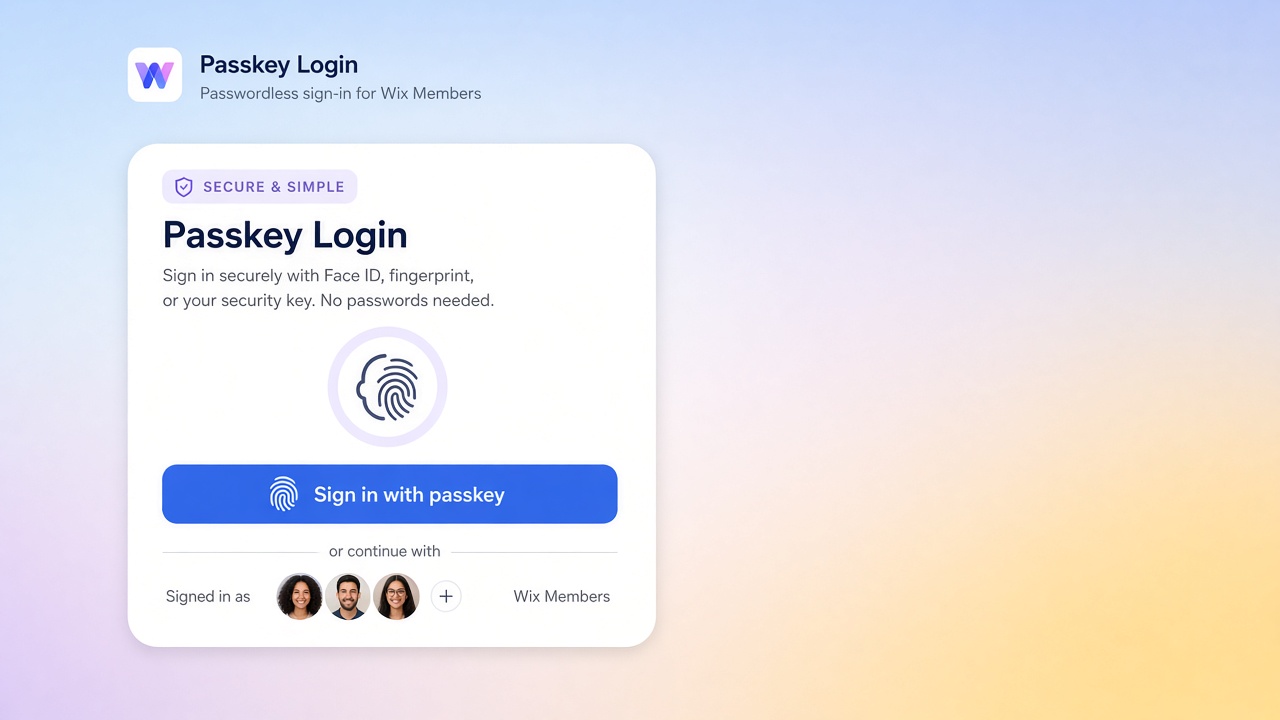
What it ships
Add these from the app. They do not replace Wix Members sign-up. Deep dives live in Docs and the Blog.
A site widget that starts WebAuthn authentication. Members use their device lock or security key instead of a password.
How-to guide →Signed-in members can add another passkey, rename devices, or revoke a passkey they no longer use.
How-to guide →An essential body script powers prompts, login, and account injection so widgets stay in sync with Wix Members.
How-to guide →Configure display name, enrollment copy, and related options from the Passkey Login dashboard page.
How-to guide →Setup
Add Passkey Login from the Wix App Market on a site that uses Wix Members.
Add Passkey Login Button where visitors sign in, and Passkey Settings where members manage their account.
Publish the site so members can enroll a passkey and use it on their next visit.
FAQ
A Passkey Login Button widget, a Passkey Settings widget, an embedded Passkey Script, and a dashboard page for site-owner settings. It stores passkey credentials in app collections and talks to WebAuthn APIs.
No. Members still exist in Wix Members. Passkeys are an extra sign-in method for people who already have (or create) a member account.
Install from the App Market and add the widgets in the editor your site uses. Passkeys require a secure context (HTTPS) and a supporting browser.
Enrollment is for signed-in members. Visitors who are not members should sign up or log in with an existing Wix Members method first, then add a passkey.
Feedback
Worked, didn't work, or missing entirely — we read every submission.